Catch The Phrase Challenge2.0.3
Publisher Description
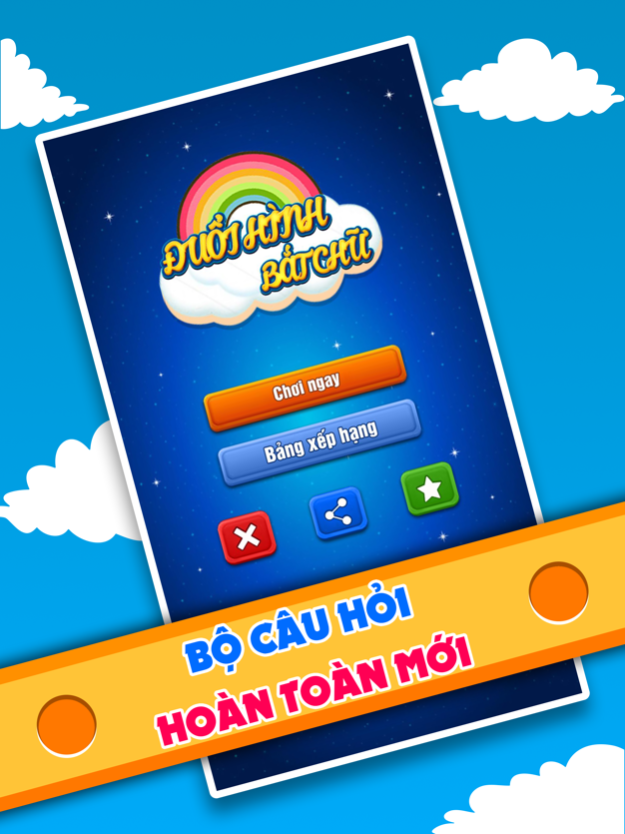
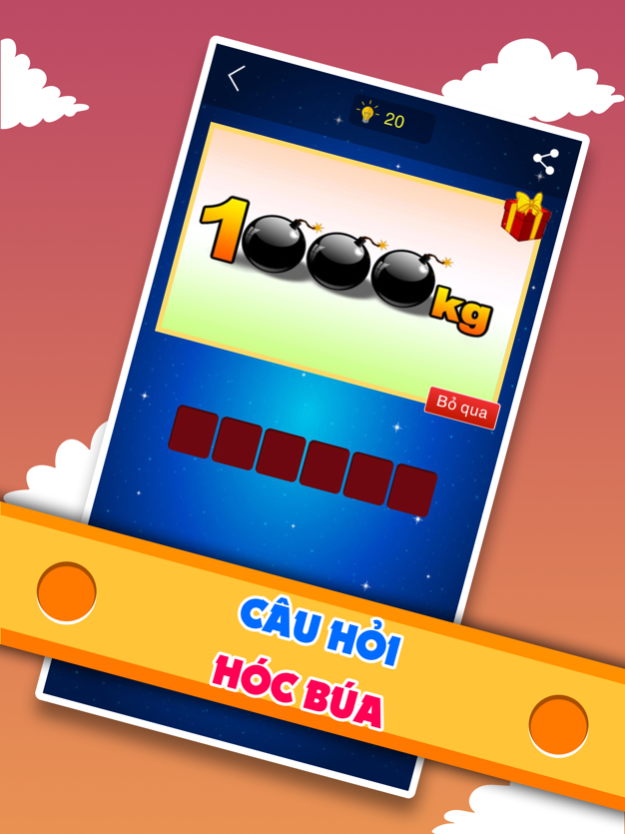
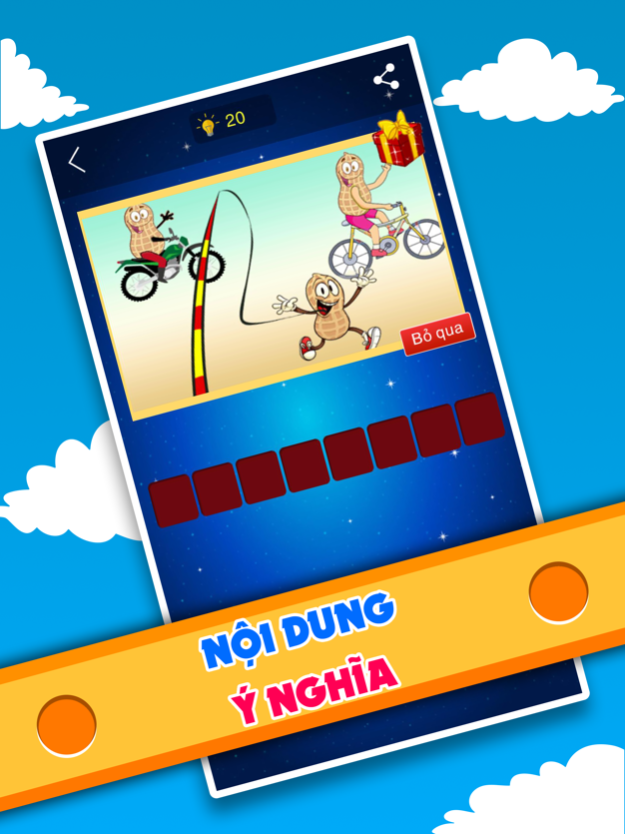
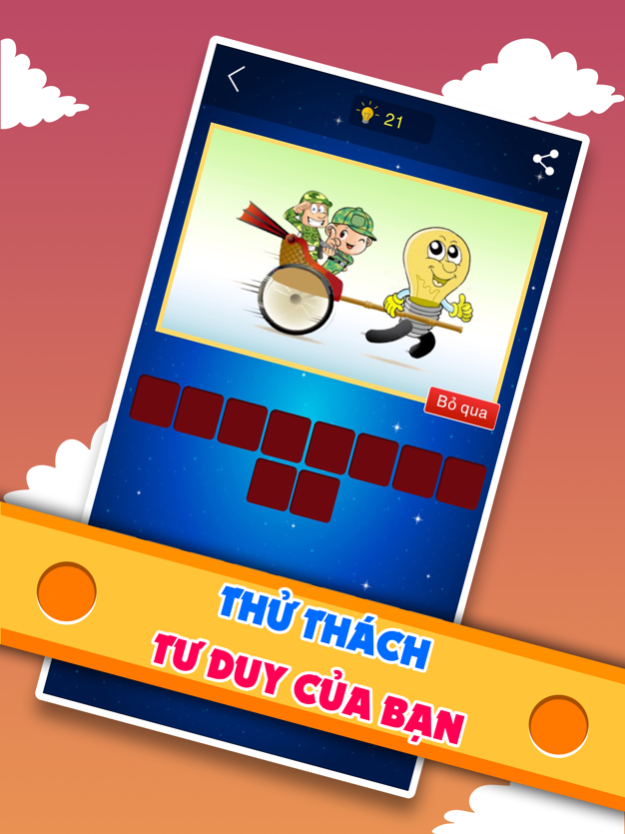
Chase Picture Catch Words - extremely popular game show with funny and humor of MC Xuan Bac has now appeared in the game version of the same name, promising to bring players relaxing times, comfortable and fun.
With the game version of Chase Picture Catch Words on the phone, you will be challenged with varying degrees of difficulty. With questions have a simple picture, it is easy to find the answer. With harder questions, you have to be really flexible in the ability to judge, imagine, and think, when you find the answer you will definitely enjoy and unexpectedly.
Chase Picture Catch Word on the phone will have 2 versions for you to choose is Vietnamese and English to practice your foreign language skills.
With advantages such as eye-catching interface, beautiful images, humor, a huge number of questions, and intelligence in questions, you will definitely find fun, excitement, and dispel the fatigue everyday.
Let's download Chase Picture Catch Words and experience!
Jun 2, 2020
Version 2.0.3
Fix bugs according to Apple's requirements:
- Apps for iPhone or iPad must be built with the iOS 13 SDK or later and use an Xcode storyboard to provide the app’s launch screen.
- iPhone apps must support all iPhone screens and all iPad apps must support all iPad screens.
About Catch The Phrase Challenge
The company that develops Catch The Phrase Challenge is Dinh Dinh. The latest version released by its developer is 2.0.3.
To install Catch The Phrase Challenge on your iOS device, just click the green Continue To App button above to start the installation process. The app is listed on our website since 2020-06-02 and was downloaded 1 times. We have already checked if the download link is safe, however for your own protection we recommend that you scan the downloaded app with your antivirus. Your antivirus may detect the Catch The Phrase Challenge as malware if the download link is broken.
How to install Catch The Phrase Challenge on your iOS device:
- Click on the Continue To App button on our website. This will redirect you to the App Store.
- Once the Catch The Phrase Challenge is shown in the iTunes listing of your iOS device, you can start its download and installation. Tap on the GET button to the right of the app to start downloading it.
- If you are not logged-in the iOS appstore app, you'll be prompted for your your Apple ID and/or password.
- After Catch The Phrase Challenge is downloaded, you'll see an INSTALL button to the right. Tap on it to start the actual installation of the iOS app.
- Once installation is finished you can tap on the OPEN button to start it. Its icon will also be added to your device home screen.
Program Details
System requirements
Download information
Pricing
Version History
version 2.0.3
posted on 2020-06-02
Jun 2, 2020
Version 2.0.3
Fix bugs according to Apple's requirements:
- Apps for iPhone or iPad must be built with the iOS 13 SDK or later and use an Xcode storyboard to provide the app’s launch screen.
- iPhone apps must support all iPhone screens and all iPad apps must support all iPad screens.
version 2.0.3
posted on 2020-06-02
Jun 2, 2020
Version 2.0.3
Fix bugs according to Apple's requirements:
- Apps for iPhone or iPad must be built with the iOS 13 SDK or later and use an Xcode storyboard to provide the app’s launch screen.
- iPhone apps must support all iPhone screens and all iPad apps must support all iPad screens.
